

Planning a new app
Plan a new app with GetFlowing's AI engineering team before it is built, approve the plan, and follow a staged build stage by stage.
For a new app, GetFlowing can plan before it builds: what the app is for, who uses it, what it does and how it is put together. You check the plan and approve it, and the team builds what you approved.
Start with a plan, or skip it
When you start a new app, choose How should we start?:
| Choice | What happens |
|---|---|
| Start with Discovery (recommended) | The team plans it with you first, and nothing is built until you approve the plan. |
| Discovery with a drafted plan | The same, with a first draft of the plan already written for you to check. |
| Skip planning: build now | The team builds straight away. Best for small or throwaway apps. |
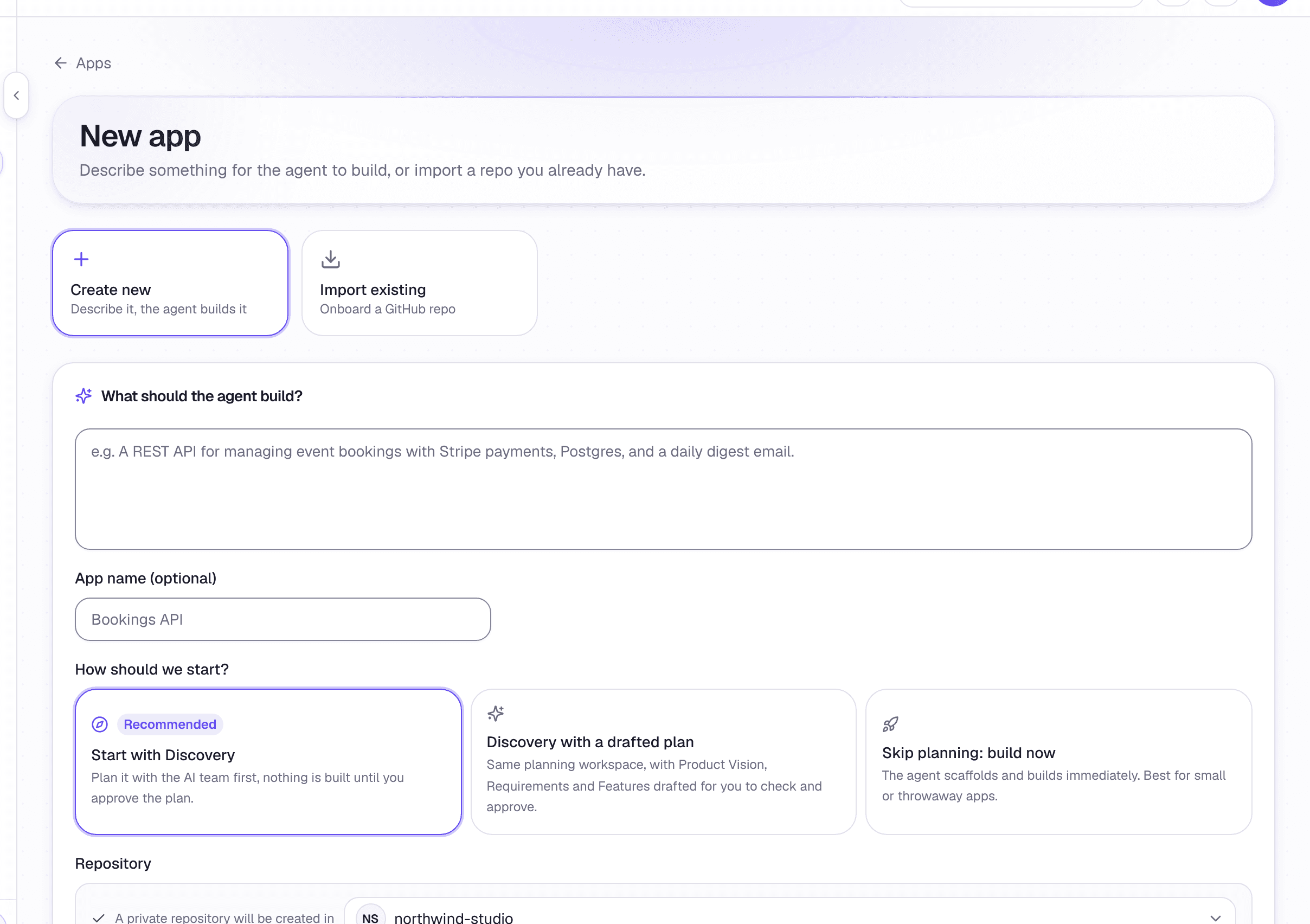 Starting a new app
The plan
The plan opens from the app's Build tab, under Plan, with Open the plan. It is grouped into Discover, Define and Deliver, and each section shows whether it needs your input or is ready for review. Choose Draft the plan to have the team write a draft, and use Ask the AI team on any section to change it, accepting or rejecting what it suggests.
Approve the plan
When the plan is right, choose Approve plan and build. Approving locks the plan as the blueprint of record and starts the build. The plan cannot be edited afterwards, and building uses AI credits. Only an owner or admin can approve a plan.
The blueprint is a versioned snapshot of the whole plan. Choose Export Markdown to keep a copy.
A staged build
A bigger app is built in stages, all on one pull request. The app's Build tab shows which stage is building, such as Stage 2 of 6 building.
Before the app is released, each built stage goes on the app for you to try, without asking. Trying a stage does not hold the build: each stage starts when the one before it finishes. After the app is released, stages are not put on it, so a half-built stage never reaches your customers.
When every stage is built, merge the build's pull request to finish. If a build stops part way, choose Continue building.
Agent controls
Choose how often GetFlowing's agent asks before it acts, answer the actions it holds for you, and stop or carry on a piece of work.
The Build tab
The Build tab, on plans with GetFlowing's agent: chat with the agent, open the preview, follow the plan, edit code yourself and look at your data.